

While installing a program in Windows 11/10, if you encounter a .NET Framework error called 0x800713ec, here is how you can get rid of this problem. Although it mainly happens due to not having the correct version of the .NET Framework, there could be other reasons, too. Here, we have discussed some common reasons so that you can identify yours and fix the issue immediately.
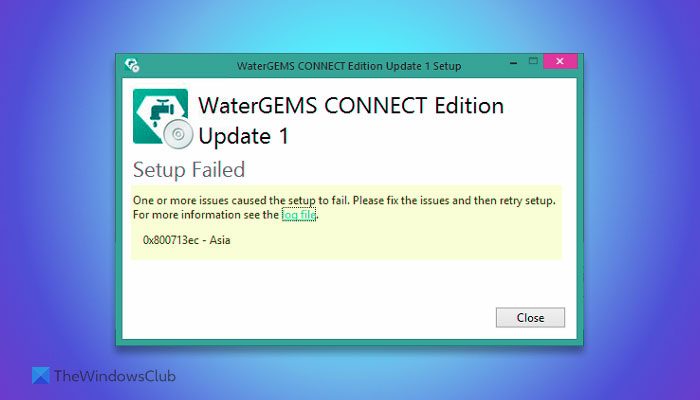
The entire error message says something like this:
One or more issues caused the setup to fail. Please fix the issues and then retry setup. For more information see the log file.
0x800713ec
Fix 0x800713ec .NET Framework Error Code
To fix the 0x800713ec .NET Framework error code, follow these solutions:
- Use Microsoft .NET Framework Repair Tool
- Reinstall .NET Framework
To learn more about these solutions, keep reading.
1] Use Microsoft .Net Framework Repair Tool
It is the first thing you should use to eliminate any .NET Framework-related problem on your computer. Whether you use Windows 11 or Windows 10, this tool works well. The best thing about this tool is that it is a portable application.
There are two things Microsoft .NET Framework Repair Tool does:
- Re-register Windows Installer service
- Restart Windows Installer service
The main reason behind these two things is that if issues with the Windows Installer service are blocking the .NET Framework installation, it fixes those problems within moments. Therefore, download this tool from the official website and open it.
Once you find the following window, click the Next button.
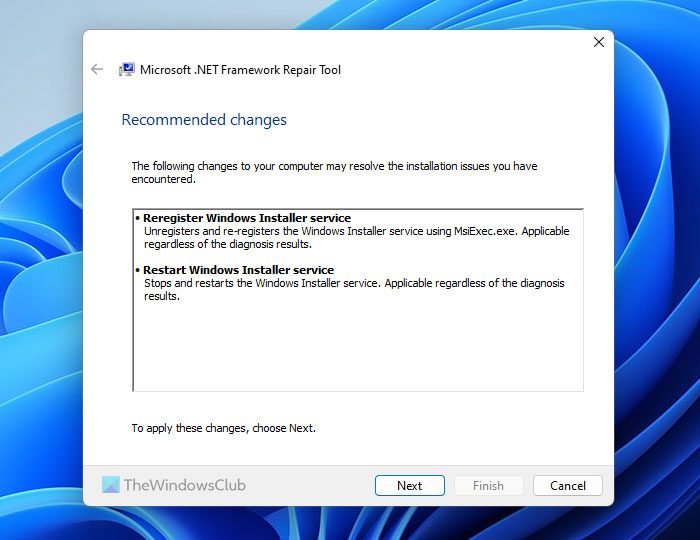
It will apply both changes within seconds.
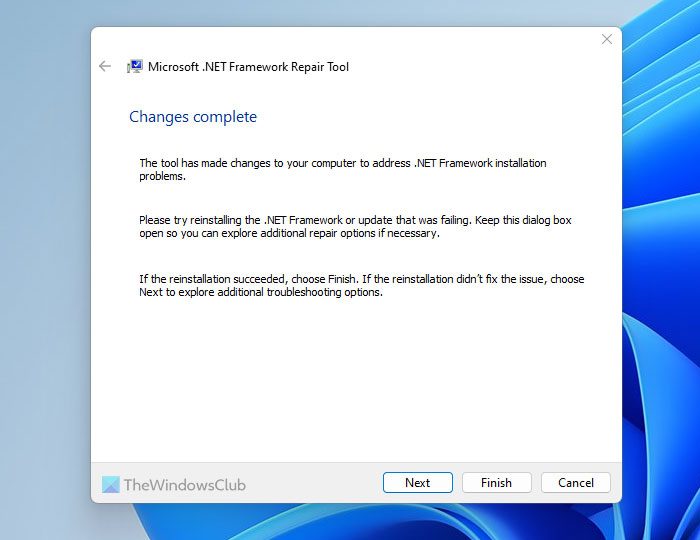
Once done, you can start the reinstallation process of the required .NET Framework. If it resolves your problem, click the Finish button in the app. If not, click on the Next button again and repeat the same steps.
2] Reinstall .Net Framework
Sometimes, your .NET Framework installation might be corrupted due to malware or adware attacks. At such a moment, receiving the aforementioned error message is very common. That is why it is suggested that you uninstall the installed version and reinstall a fresh copy. Downloading a copy of the .NET Framework from Microsoft’s official website is highly recommended.
I hope it helps you.
Read: Fix 0x800F0906 .NET Framework Installation Error
How do I fix the Microsoft .NET Framework error?
The easiest way to fix the Microsoft .NET Framework error in Windows 11/10 is by using the Microsoft .NET Framework Repair Tool. It is available for free, and you can download it from Microsoft’s official website. Apart from that, you can also check for the error code, Event Viewer, etc., to find the root cause of this problem. Following that, you can fix the issue by downloading or repairing the exact version of the .NET Framework.
How do you fix .NET Framework 3.5 includes .NET 2.0 and 3.0 couldn’t be installed?
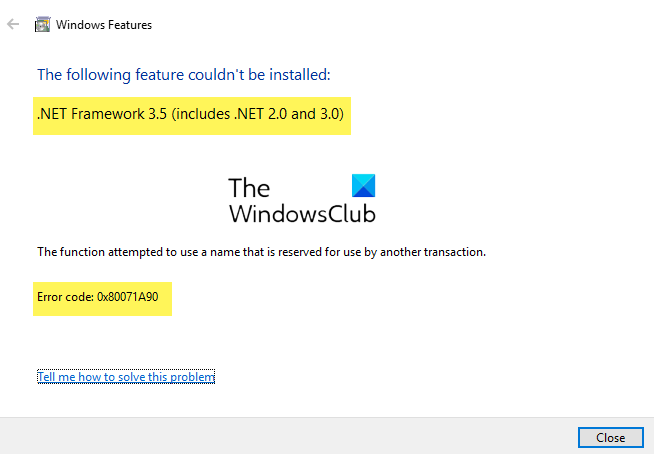
Before taking a look at the solutions to fix NET Framework 3.5 (includes .NET 2.0 and 3.0) couldn’t be installed, Error 0x80071a90, you must know one thing. If you already have .NET Framework 3.5, you do not need version 2.0 or 3.0 separately. In old computers, .NET Framework 2.3 and 3.0 were very common. However, things have changed, and so has the framework’s bundle. If you need to .NET Framework 2.0 or 3.0 and already have .NET Framework 3.5, you can use the desired program without further installation.
Read: Fix 0x800F0922 .NET Framework installation error
Source link
www.thewindowsclub.com

